BG Remover✂ FreeBG BlurFreeCompressorFreeFiltersFreeCropperFreeQR CodeFreeAll Tools →30+
HomeToolsScreenshot to Text

Screenshot to
Editable Text.

Paste any screen capture, snip, or screenshot and extract 100% of its text in seconds using offline AI — no server uploads, ever.

or drag & drop a file here
Ctrl+V— Paste a screenshot directly from clipboard
No screenshot? Try one of these:
Screenshot OCR preview
const result = await
function extract()

One snip. All the text.

Whether you're grabbing code from a tutorial, quoting a Zoom slide, or logging error messages — stop retyping and start extracting.

Meeting Slides

Meeting Slides

Snip a Zoom or Teams slideshow mid-call and grab all bullet points instantly — never miss a slide again.

Code from Videos

Code from Videos

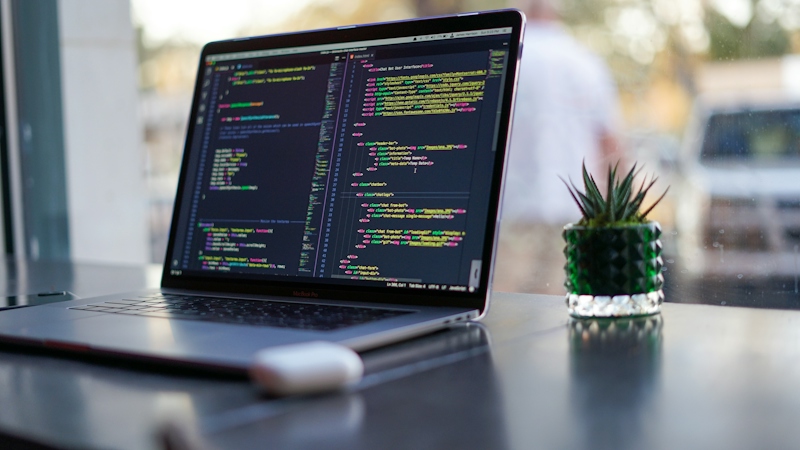
Extract syntax directly from YouTube coding tutorials — no more pausing and retyping line by line.

Error Messages

Error Messages

Screenshot a long stack trace and copy the exact error string to paste into Stack Overflow or ChatGPT.

Social Quotes

Social Quotes

Grab tweet screenshots, Reddit posts, or headlines and pull out the clean raw text for research or content.

Trusted by developers & students.

Hear from the people who've ditched the retyping habit for good.

"I watch a lot of coding tutorials on YouTube and I constantly screenshot code snippets. This tool extracts them in seconds — it's become a core part of my study workflow."

Priya Sharma
Priya Sharma
Software Engineer

"My professors share PowerPoint slides during live Zoom classes but never post them. I screenshot the key slides and extract all the text in one go. Total game changer."

James Okafor
James Okafor
University Student

"Half the quotes I need for articles are stuck inside image-only social media posts. Ellypto screenshot OCR rips the text out in three seconds flat. I use it every single day."

Laura Becker
Laura Becker
Content Researcher
Features

Powerful Features

Everything you need for professional background removal, powered by advanced AI technology

Paste Directly (Ctrl+V)

No file dialogs needed. Just hit Ctrl+V after snipping your screen and the screenshot lands right in the extractor.

Instant AI Extraction

Our Tesseract AI engine scans every pixel of the screenshot matrix and reconstructs the full text string within seconds.

100+ Languages

Extract text from screenshots in English, French, Hindi, Chinese, Arabic, Japanese, and dozens more regional language cores.

Zero Server Uploads

Your screenshots never leave your device. The entire AI model downloads and runs locally inside your browser tab.

One-Click Copy

Hit the copy button and the entire extracted string block instantly drops into your clipboard, ready to paste anywhere.

100% Free Forever

No subscription, no credit card, no watermarks. Unlimited screenshot extractions permanently free.

How It Works

Simple 3-Step Process

Remove backgrounds from your images in seconds with our easy-to-use AI tool

1
Step 1

Snip or Copy Your Screenshot

Hit Print Screen, Win+Shift+S, or Cmd+Shift+4 to capture your screen. Then Ctrl+V to paste it directly, or drag the file in.

2
Step 2

AI Scans the Pixels

Our local Tesseract engine reads every character visible across the entire screenshot canvas.

3
Step 3

Copy Your Text

The full extracted string appears in the editor. Hit Copy or download as .txt and use it anywhere.

Frequently Asked Questions

Everything you need to know about Screenshot to Text

Yes! Simply snip your screen with any snipping tool, then press Ctrl+V (or Cmd+V on Mac) inside the upload zone. The screenshot lands directly without needing to save a file first.

It works best on high-resolution, high-contrast screenshots. Lower resolution or heavily compressed screenshots may return slightly less accurate results.

Completely. All AI processing happens locally in your browser using WebAssembly. Your screenshots are never transmitted to any server.

We support over 100 languages natively. You can switch the language core inside the editor panel for Hindi, Chinese, Arabic, French, German, and many more.